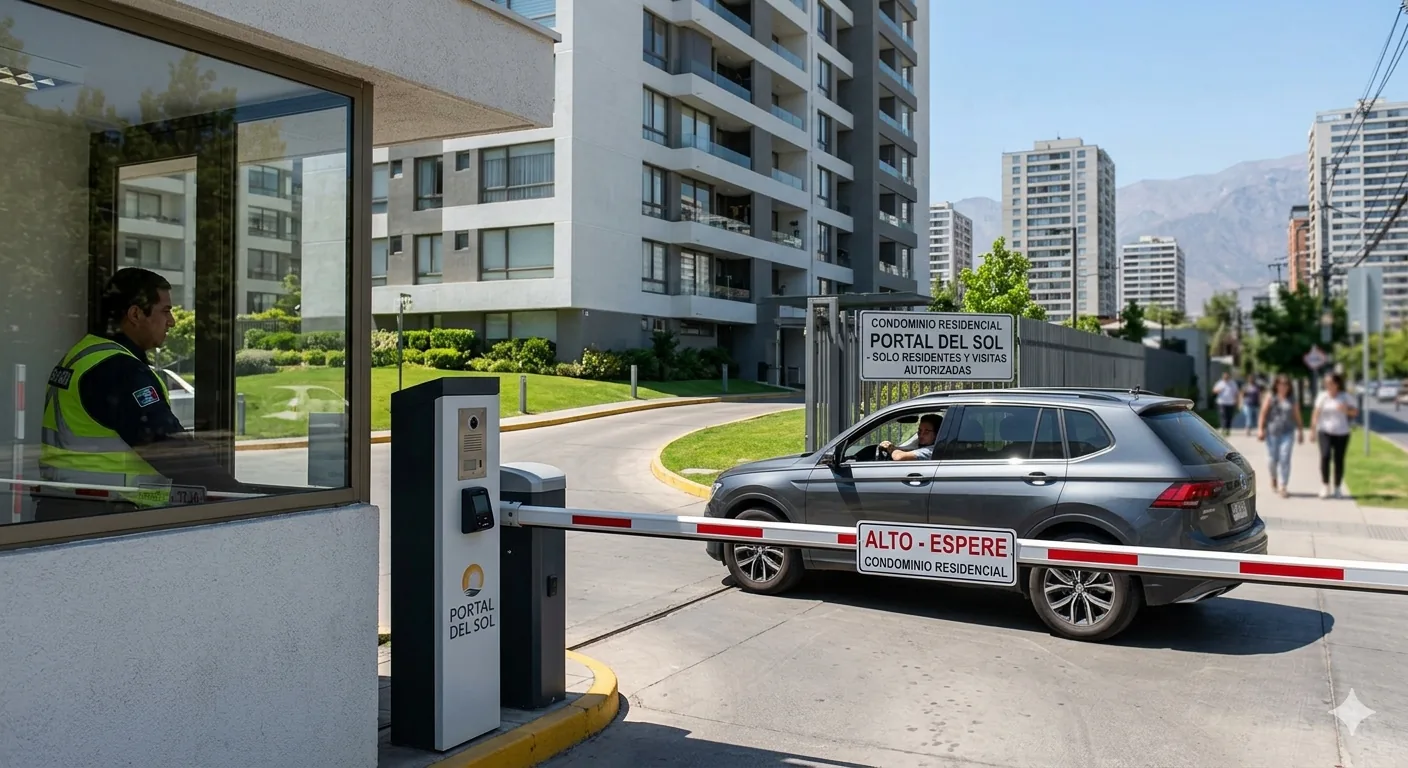
The classic problem: a visitor shows up and you're not home
Sound familiar? You're at work, the delivery person, plumber, or a family member shows up, and there's nobody to let them in. You have to call a neighbor, ask the concierge, or simply make the visitor wait. With Porteria® Home, this no longer happens.
How visitor access works
From the Porteria® app you can generate a temporary QR code for anyone in a matter of seconds. That code works like a digital key with an expiration date.
Step 1 — Open the app and generate the QR
In the app's main menu, select "Invite visitor". Define:
- Visitor name (optional, for your records)
- Access start date and time
- Expiration date and time
- Allowed access: pedestrian only, vehicle, or both
Step 2 — Share the QR
The app generates a QR code and a link. You can send it via:
- WhatsApp (most common)
- Any other messaging channel
The visitor doesn't need to download any app. They just show the QR to the kiosk camera or reader when they arrive at the building.
💡 Useful tip: If the kiosk has a touchscreen, the visitor can enter a 6-digit numeric code instead of showing the QR. Ideal for elderly visitors or those with a dead phone battery.
Common use cases
Delivery
Generate a QR valid only for the next hour. When the delivery person arrives, they enter the building, leave the package at the front desk or your door, and access expires automatically. No calls, no interruptions.
Plumber or technician
Define a specific time window: "valid today from 10:00 to 13:00". If the technician arrives on time, they enter without issues. If they arrive outside the window, the system denies access and notifies you.
Weekend visitor
For a family member visiting on Saturday and Sunday, generate a QR valid for 48 hours. When the visit ends, the code no longer works — without you having to do anything.
Recurring caregiver or household employee
If someone comes in every day at the same time, you can create a recurring access with a fixed schedule: "Monday to Friday, 9:00 to 18:00". You can deactivate it at any time from the app.
What if the visitor can't show the QR?
If the visitor doesn't have their phone available, you can authorize them in real time from your app. You receive a notification with a snapshot from the access camera, and with a single tap you open the door remotely — even from across town.
Privacy and logging
Every visit is logged with entry and exit times. Only you and the building administrator have access to that history. Data is never shared with third parties.