Why don't most buildings automate their access control?
The answer is almost always the same: "we think you have to replace all the infrastructure". It's a widespread myth, and we understand why it exists. Traditional access control systems were monolithic, expensive and required major construction. But the landscape has changed completely.
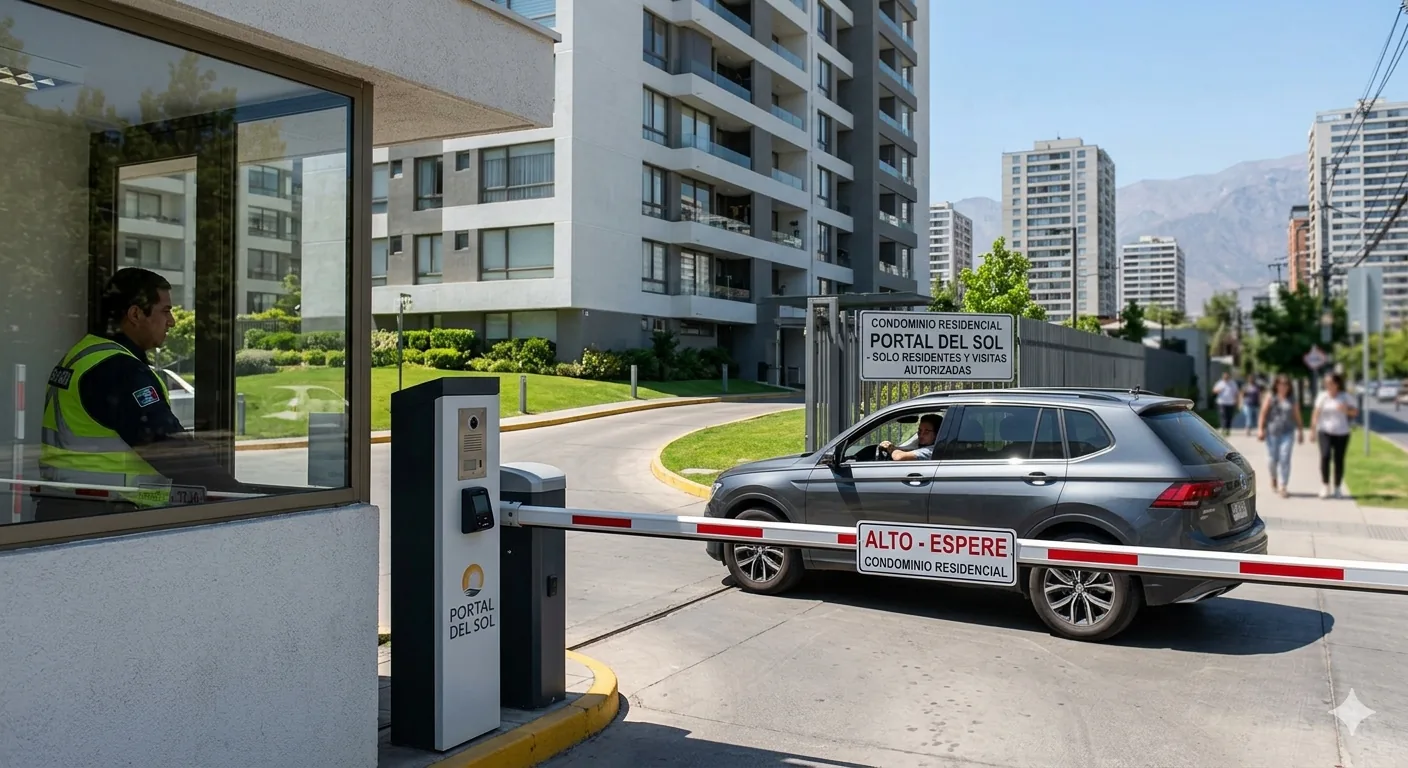
Today, Porteria® Home technology is designed to install on top of what already exists: electromagnetic locks, vehicle barriers, video intercoms or analog intercoms. The system coexists with all of them without replacing them.
💡 Key fact: 87% of Porteria® Home installations do not require replacing existing hardware. Only the controller is installed and connected.
What you need before getting started
Before requesting a demo, check these three points. If you answer "yes" to all of them, your building is ready to be automated in less than a week:
- Do you have an electromagnetic lock or electric bolt at the entrance? Most buildings built after 2010 already have them.
- Is there an internet or data connection at the front desk? WiFi or a data SIM is enough. Porteria® works with either.
- Does the building have 220V available at the entrance? You just need a standard outlet for the Porteria® hub.
The installation process step by step
Step 1 — Remote diagnostic (free)
Before any visit, our team runs a diagnostic via video call or WhatsApp. We ask for photos of the electrical panel, the lock and the vehicle access point (if applicable). With that we can confirm compatibility in 24 hours.
Step 2 — Hub installation
The Porteria® hub is a device the size of a home router. It is installed at the front desk or in the building's electrical panel. It supports up to 4 simultaneous access points (pedestrian, vehicle, parking, storage).
Physical installation takes between 2 and 4 hours depending on the number of access points. No construction required, only a 220V and network connection.
Step 3 — App configuration
Once the hardware is installed, the administrator receives access to the web console and the Porteria® app. From there they can:
- Create resident and guest profiles
- Configure access schedules by unit
- Generate temporary QR codes for visitors and deliveries
- View the entry log in real time
Step 4 — Resident onboarding
Residents download the Porteria® app (iOS and Android) and sign in with the code the administrator sends them. They don't need any technical knowledge: the first time they arrive at the building, the lock opens automatically if they have their phone in their pocket.
📱 Hands-free: Porteria® detects the resident's smartphone via Bluetooth Low Energy when they come within 3 meters. The lock opens without the resident taking out their phone.
What if the building already has an old video intercom?
Great question. If the system has a relay output (most do), Porteria® can control it without replacing the exterior panel. If it doesn't have a relay output, we install a low-cost IP panel (~$80 USD) that replaces only the exterior module while keeping the existing wiring.
In short: there is always a path forward. What varies is the cost of additional hardware, which in the worst case is marginal compared to a full installation from scratch.
Summary: what changes and what doesn't
Conclusion
Automating your building's access control does not require a major infrastructure investment or months of construction. With Porteria® Home, the process is non-invasive, fast and reversible. If you ever decide to stop, the hardware is removed without a trace.
Want to know if your building is compatible? Write to us on WhatsApp and you'll have an answer in 24 hours.