Why you need to prepare before installation
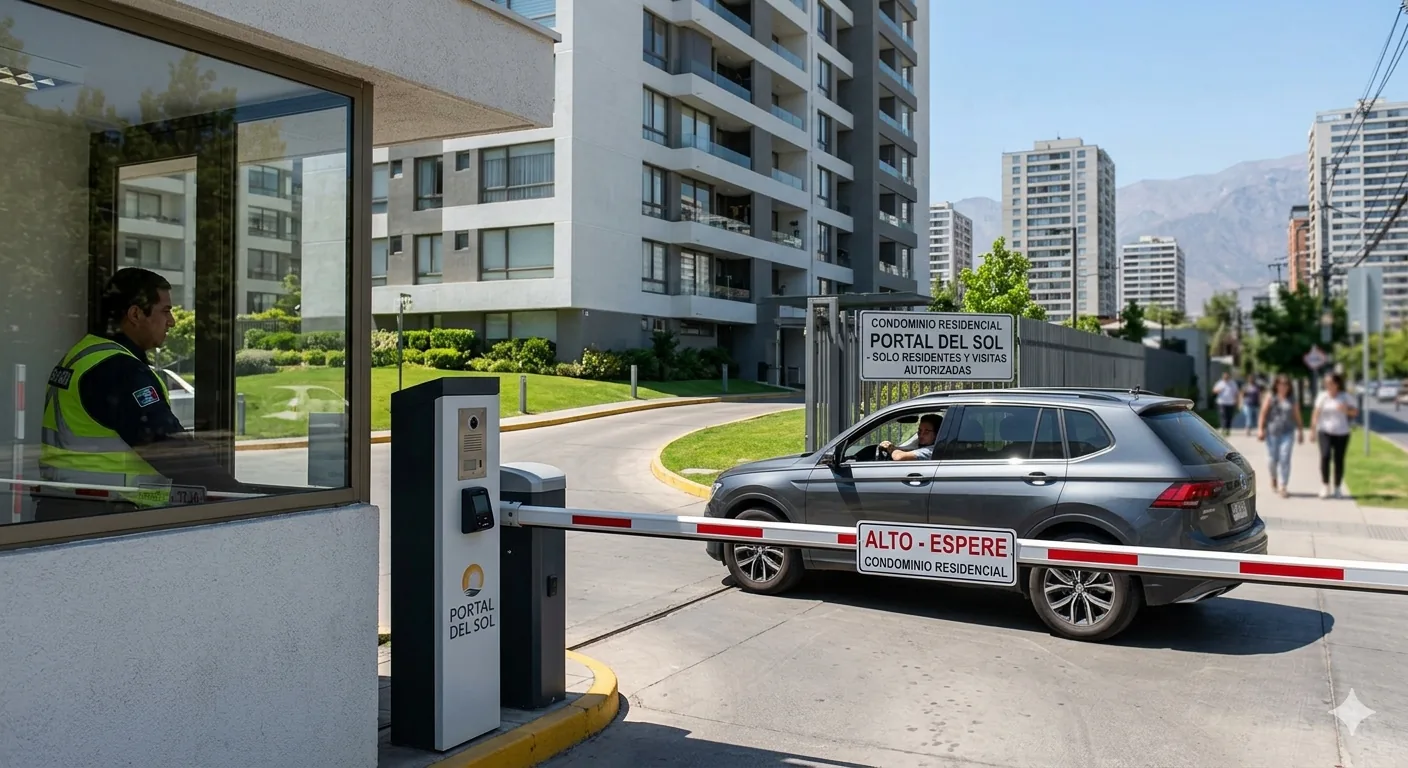
Most delays and cost overruns in access control installations happen due to lack of prior information. This checklist is based on hundreds of Porteria® installations in the US and covers everything you need to verify before the technical team arrives.
✅ If you have all of this ready, installation completes in under 4 hours without issues.
1. Electrical infrastructure
- ☐ 220V outlet available at the hub installation point (front desk or panel)
- ☐ Electromagnetic lock or electric bolt installed on the main door
- ☐ Wiring between lock and control panel (if applicable)
- ☐ For vehicle access: barrier or electric gate with relay output available
- ☐ UPS or backup battery (recommended for areas with frequent power outages)
2. Connectivity
- ☐ WiFi or wired network available at the installation point
- ☐ Minimum signal: -70 dBm or better at the hub location
- ☐ Alternative: data SIM card (Porteria® works with any carrier)
- ☐ Firewall does not block outbound HTTPS traffic (port 443)
📶 Tip: If the front desk WiFi is weak, set up a WiFi repeater before installation day. It's much easier than troubleshooting connectivity during the technician's visit.
3. Documentation and permits
- ☐ Approval from the building management committee or management (as applicable)
- ☐ List of residents or employees who will have access (name + email or phone)
- ☐ List of authorized vehicles with license plates (if a reader camera is installed)
- ☐ Access schedule definition by profile (if time-based access control is required)
- ☐ Emergency contact available during installation
4. Existing hardware
- ☐ Brand and model of the current lock (to verify compatibility)
- ☐ Brand of the video intercom or interphone (if any)
- ☐ Does the video intercom have a relay output? (check the manual or ask your technician)
- ☐ How many access points need to be controlled? (pedestrian / vehicle / storage / etc.)
5. Prior configuration
- ☐ Download the Porteria® app (iOS / Android) on the administrator's smartphone
- ☐ Confirm the email address to receive the web panel access credentials
- ☐ Have your phone charged on installation day (it will be used to set up the first access)
6. Installation day
- ☐ Have a building management representative available at all times
- ☐ Access to the electrical panel and machine room (if applicable)
- ☐ Key to the front desk or technical room
- ☐ Internet connection working at the time of the visit
What if something is missing?
Don't worry. The Porteria® team runs a free remote diagnostic before scheduling the technician visit. If anything is missing or needs prior preparation, we'll let you know in advance so installation goes smoothly.
Ready to install?
Free remote diagnostic first